
Solution: Prevent User Selection
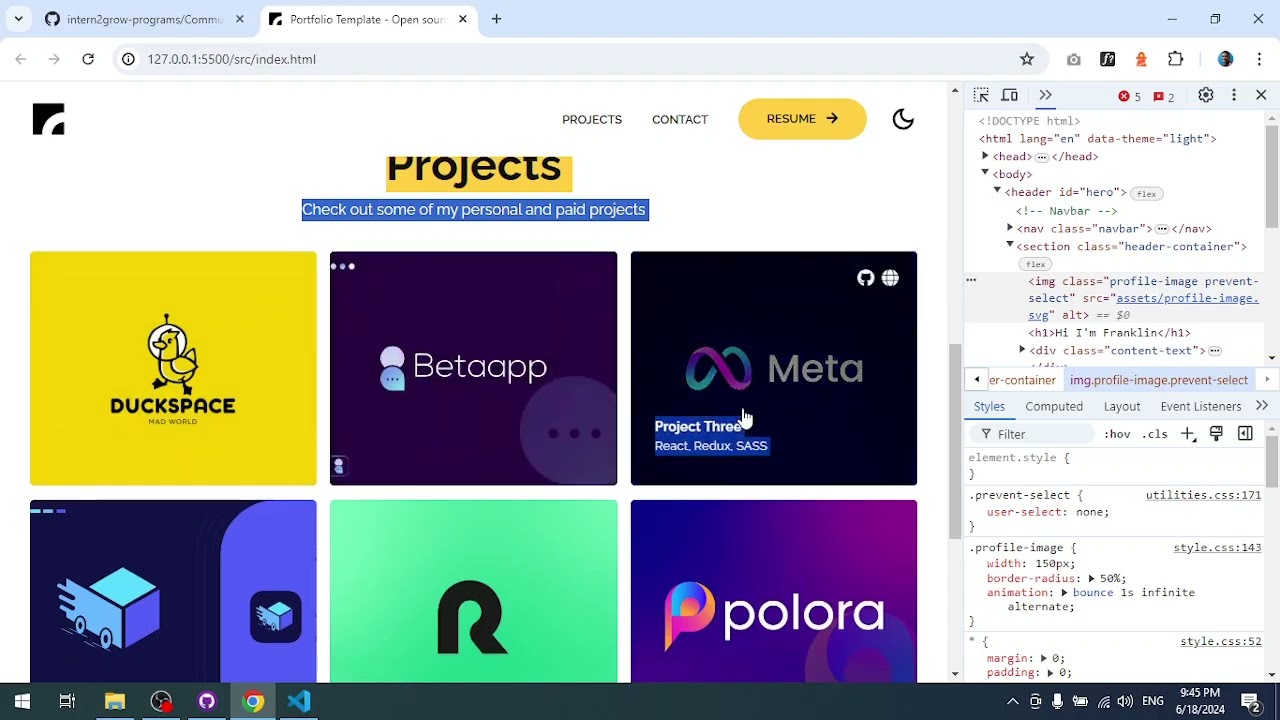
Task Description: Restrict user interactions so that only text is selectable. Prevent images, icons, buttons, and links from being highlighted or copied for better UX.

Detailed Description
Ask ChatGPT
Prevent User Selection
Objective
Restrict user interactions so that only text is selectable. Prevent images, icons, buttons, and links from being highlighted or copied.
Why It Matters
Controlling what users can select improves the overall UX by preventing accidental highlighting of non-text elements, which is a common pattern in polished web applications.
What You Need To Do
- Use CSS
user-selectproperty to prevent selection on non-text elements - Ensure that paragraph text and headings remain selectable
- Images, icons, buttons, and links should not be highlightable