Task: Onboarding
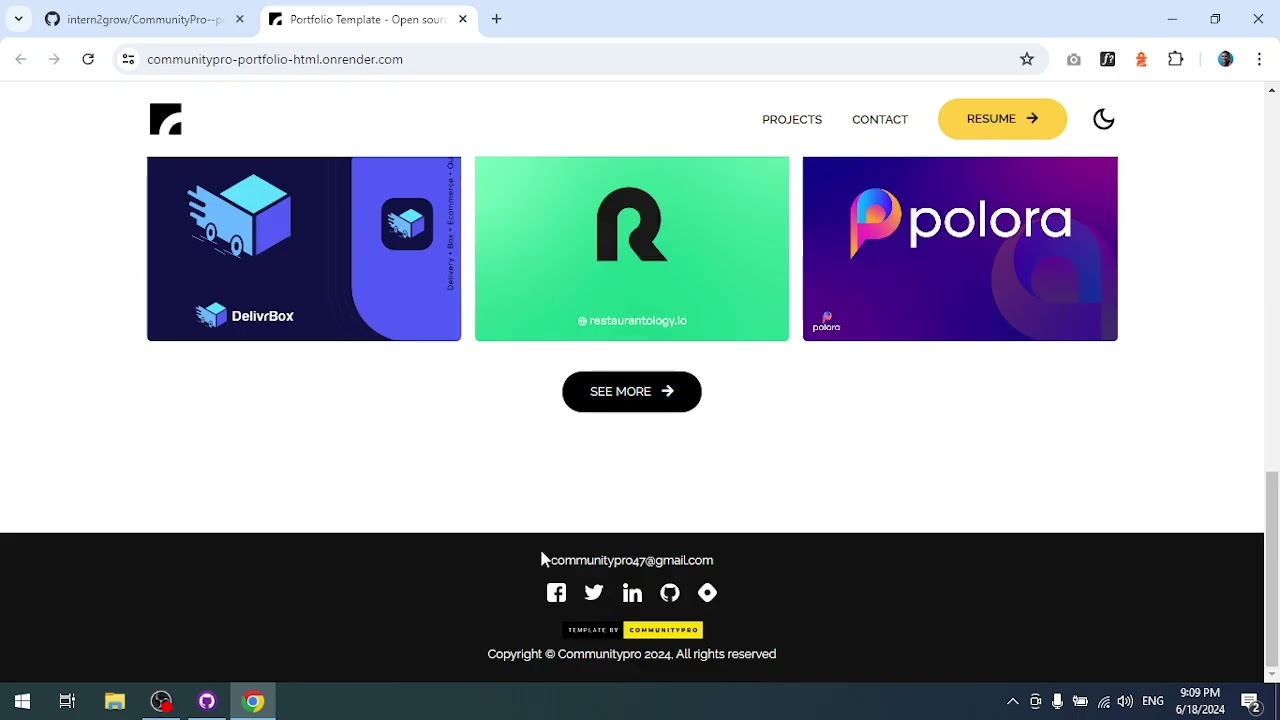
Task Description: Get familiar with the 'CommunityPro/portfolio-html' template, exploring its structure, purpose, and workflow. Understand how the site is built with HTML, CSS, and JavaScript and how you'll be contributing to it.

Detailed Description
Ask ChatGPT
Onboarding
Objective
Get set up with the project repository and understand the application structure before diving into the tasks.
What You'll Do
- Fork the project repository on GitHub
- Clone your forked repository to your local machine
- Install the required dependencies
- Run the application locally and explore it
- Understand the project structure and how the site is built with HTML, CSS, and JavaScript
Steps
- Visit the project repository: CommunityPro--portfolio-html
- Click the Fork button in the top-right corner to create your own copy
- Clone your forked repo:
git clone https://github.com/YOUR_USERNAME/CommunityPro--portfolio-html.git - Open the project in your code editor and explore the file structure
- Open
index.htmlin your browser to see the portfolio website
Tech Stack
- HTML — Page structure and content
- CSS — Styling and layout
- JavaScript — Interactivity and dynamic behavior
- Git — Version control
Important Notes
- The application is already built with a complete portfolio layout
- Your job is to fix bugs, refactor code, add features, and enhance design and accessibility
- After completing all tasks, you will submit your forked repository URL
Your Mentor
Connect with your mentor on LinkedIn: Ahmed Saber