
Task: Implement Product Comparison Feature
Task Description: Build a full comparison feature that highlights differences between two selected products in a side-by-side table with visual indicators.

Detailed Description
Ask ChatGPT
Implement Product Comparison Feature
Objective
Build a full comparison feature that highlights differences between two selected products.
Why It Matters
Product comparison is a key conversion feature in e-commerce. Implementation involves dynamic data rendering and conditional formatting.
Technical Requirements
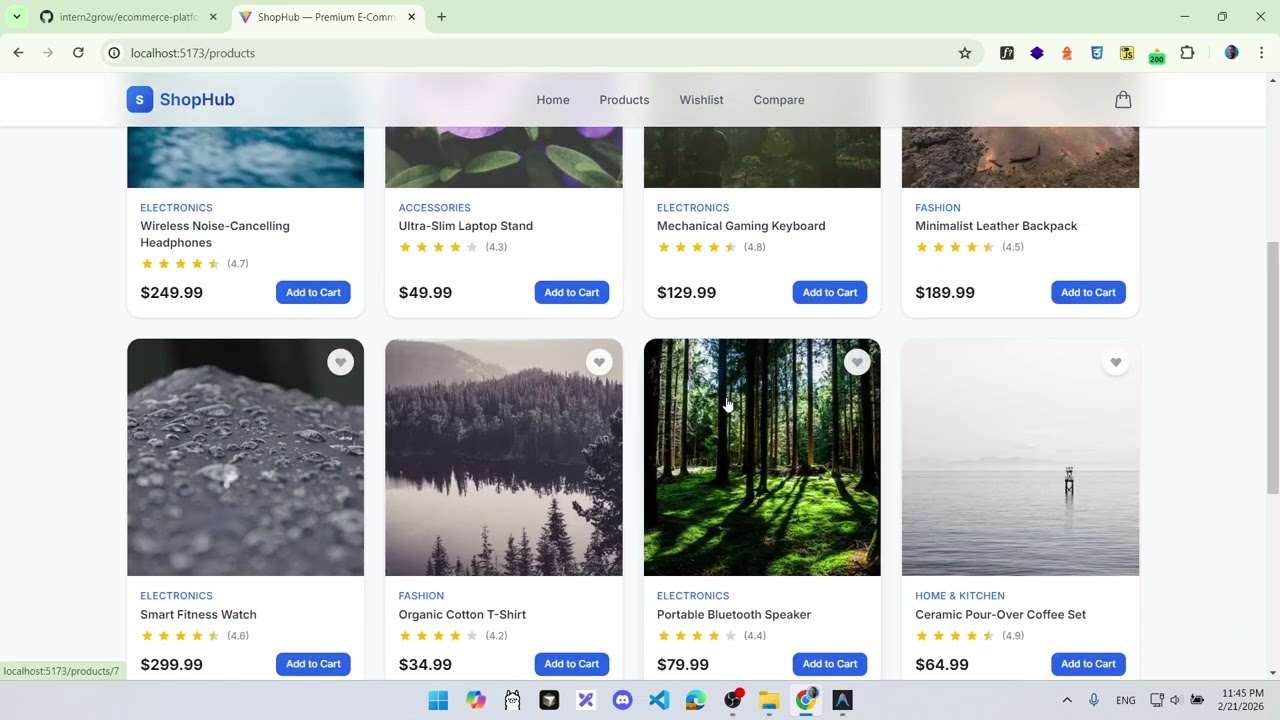
- Allow selecting exactly two products from the dropdown or from product cards (e.g., "Add to Compare" button)
- Display a side-by-side table comparing all product attributes
- Highlight the "better" value in each row (e.g., lower price in green, higher rating in green)
- Add an "Add to Compare" button on
ProductCard.jsxorProductDetailsPage.jsx
Expected Behavior
- Users can select two products using the dropdowns on the Compare page
- The comparison table shows all relevant attributes
- Visual indicators highlight which product has the better value for each attribute
- Users can clear selections and compare different products
Acceptance Criteria
- Two products can be selected for comparison
- All fields are displayed in the comparison table
- Better values are visually highlighted
- Users can swap or clear selected products
- Cannot compare a product with itself
Edge Cases
- Selecting the same product in both dropdowns
- Comparing products from different categories
- Products with identical values for some attributes
Hints
- Create a
useCompareStore.jswith Zustand if you want a global compare feature - For highlighting, compare numeric values and apply conditional CSS classes
- Limit compare to 2 products for simplicity