
Task: Implement Full Wishlist Functionality
Task Description: Complete the wishlist feature so users can add, remove, and manage items in their wishlist, including toggle functionality and 'Move to Cart' support.

Detailed Description
Ask ChatGPT
Implement Full Wishlist Functionality
Objective
Complete the wishlist feature so users can add, remove, and manage items in their wishlist.
Why It Matters
Wishlist is a standard e-commerce feature. Implementing it demonstrates state management with Zustand and data flow between components.
Technical Requirements
- Complete
removeFromWishlistinsrc/features/wishlist/useWishlistStore.js - Add toggle functionality (add if not in wishlist, remove if already added)
- Optionally add persistence using Zustand's
persistmiddleware - Ensure the wishlist page "Move to Cart" button works correctly
- Ensure the "Remove" button on the wishlist page works
Expected Behavior
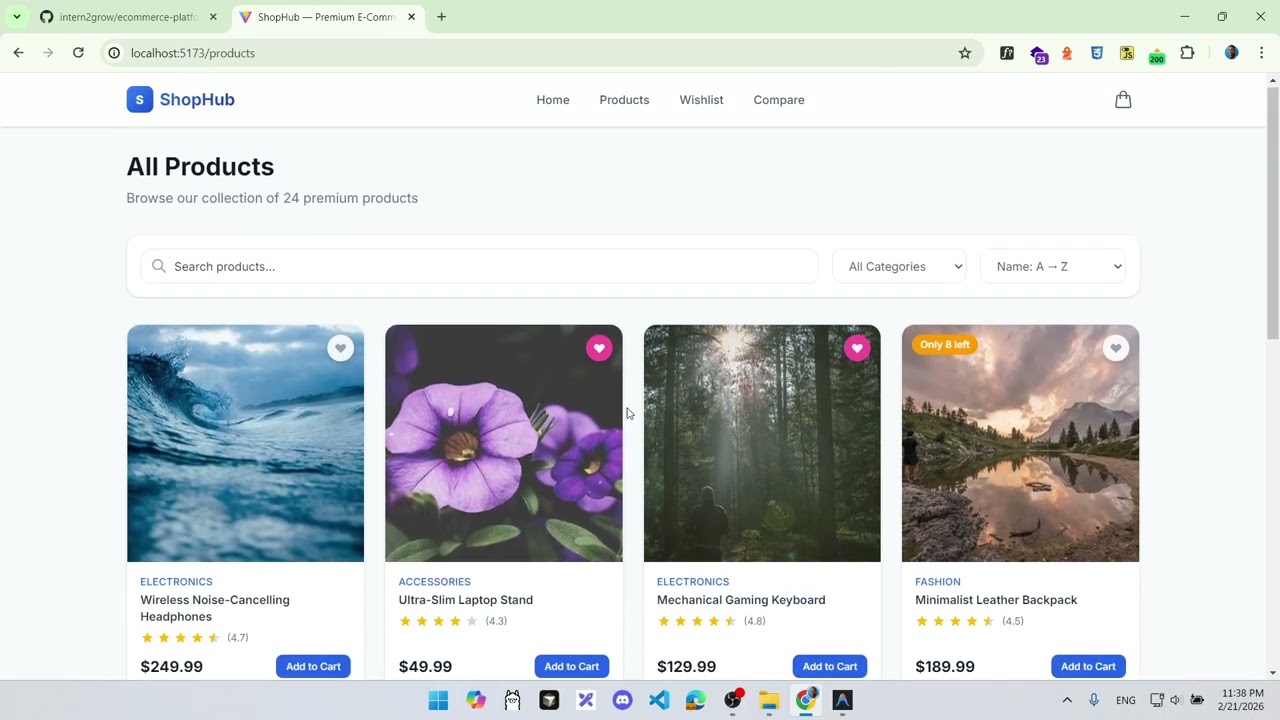
- Clicking the heart icon on a product card toggles wishlist status
- Heart icon is filled/colored when product is in wishlist
- Wishlist page shows all saved items
- "Move to Cart" adds item to cart and removes from wishlist
- "Remove" button removes item from wishlist
Acceptance Criteria
removeFromWishlistcorrectly removes items by ID- Heart icon toggles between active and inactive states
- Wishlist page updates in real-time when items are added/removed
- "Move to Cart" button works end-to-end
- Wishlist count is accurate
Edge Cases
- Adding the same product twice (should not duplicate)
- Removing an item that does not exist
- Empty wishlist state displays correctly
Hints
- Look at how
addToCartis implemented inuseCartStore.jsfor patterns - Use
Array.filter()to implement removal - Consider adding
persistmiddleware similar to the cart store