
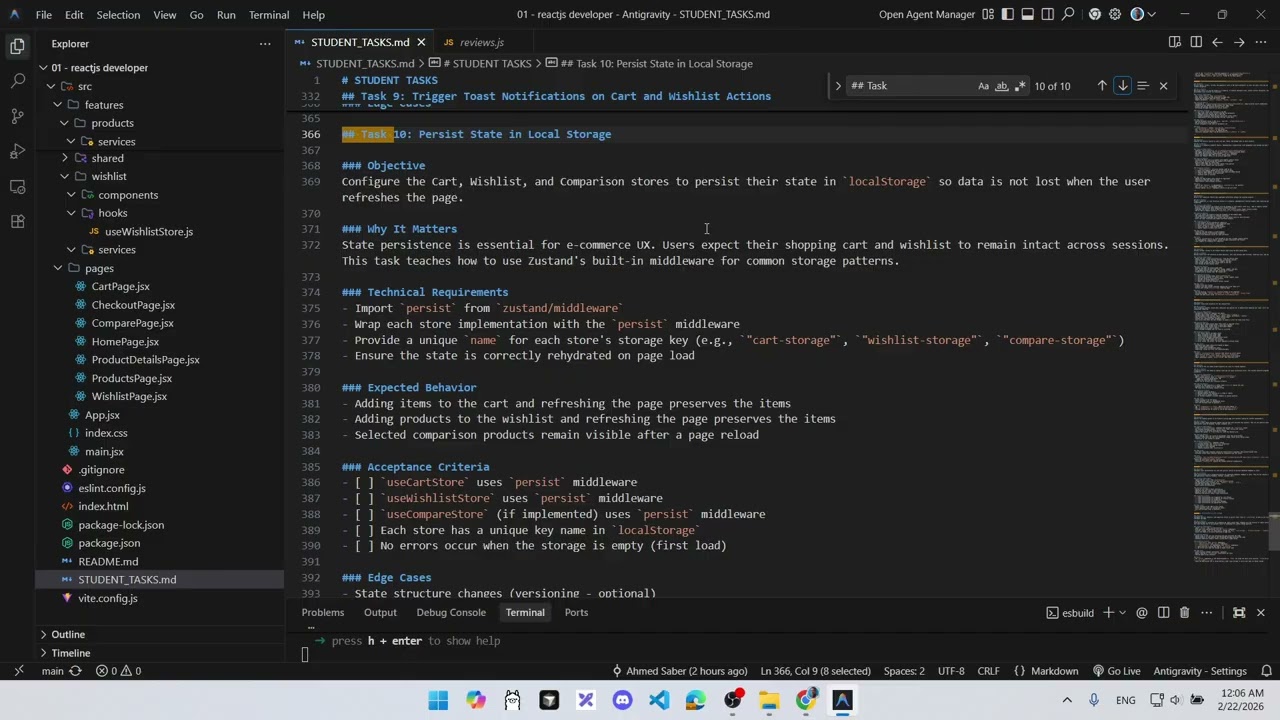
Task: Persist State in Local Storage
Task Description: Configure the Cart, Wishlist, and Comparison stores to persist their state in localStorage using Zustand's persist middleware so data is not lost on page refresh.

Detailed Description
Ask ChatGPT
Persist State in Local Storage
Objective
Configure the Cart, Wishlist, and Comparison stores to persist their state in localStorage so data is not lost when the user refreshes the page.
Why It Matters
State persistence is essential for e-commerce UX. Users expect their shopping cart and wishlist to remain intact across sessions. This task teaches how to use Zustand's built-in middleware for common storage patterns.
Technical Requirements
- Import
persistfromzustand/middleware - Wrap each store implementation with the
persistmiddleware - Provide a unique
namefor each store's storage key (e.g.,"cart-storage","wishlist-storage","compare-storage") - Ensure the state is correctly rehydrated on page load
Expected Behavior
- Adding items to the cart and refreshing the page preserves the items
- Adding products to the wishlist and refreshing the page preserves the items
- Selected comparison products remain visible after a page reload
Acceptance Criteria
useCartStoreusespersistmiddlewareuseWishlistStoreusespersistmiddlewareuseCompareStore(if implemented) usespersistmiddleware- Each store has a unique key name in
localStorage - No errors occur when the storage is empty (first load)
Edge Cases
- State structure changes (versioning — optional)
- Manual clearing of
localStoragefrom browser dev tools - Storing empty arrays initially
Hints
- The
persistmiddleware is the second argument tocreatebut wraps the whole store function:create(persist((set, get) => ({ ... }), { name: '...' })) - Check the Application tab in Chrome DevTools under Local Storage to verify your keys are being created