Task: Onboarding
Task Description: Get familiar with the e-commerce React application, fork and clone the repository, install dependencies, and explore the project structure. Understand the tech stack (React, Zustand, Tailwind CSS, React Router) and how you'll be contributing to it.

Detailed Description
Ask ChatGPT
Onboarding
Objective
Get set up with the project repository and understand the application structure before diving into the tasks.
What You'll Do
- Fork the project repository on GitHub
- Clone your forked repository to your local machine
- Install the required dependencies
- Run the application locally and explore it
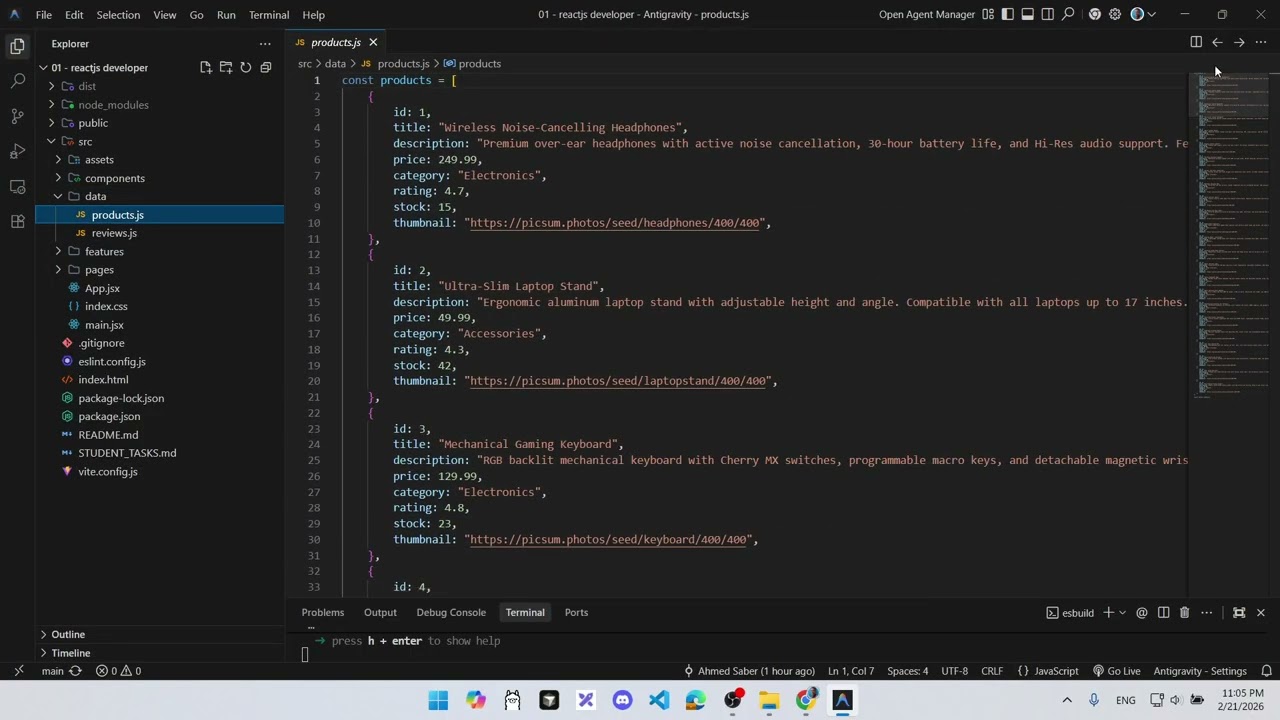
- Understand the project structure, tech stack, and how features are organized
Steps
- Visit the project repository: ecommerce-platform-reactjs
- Click the Fork button in the top-right corner to create your own copy
- Clone your forked repo:
git clone https://github.com/YOUR_USERNAME/ecommerce-platform-reactjs.git - Navigate into the project folder:
cd ecommerce-platform-reactjs - Install dependencies:
npm install - Start the development server:
npm run dev - Open the app in your browser and explore the pages: Home, Products, Product Details, Cart, Wishlist, Compare, and Checkout
Tech Stack
- React — UI library
- Zustand — State management (cart, wishlist, compare stores)
- Tailwind CSS — Utility-first CSS framework
- React Router — Client-side routing
- react-hot-toast — Toast notifications
Important Notes
- The application is already built with all pages styled and functional at a basic level
- Your job is to improve logic, fix bugs, and implement missing features — not rebuild UI from scratch
- After completing all tasks, you will submit your forked repository URL
Your Mentor
Connect with your mentor on LinkedIn: Ahmed Saber